
 Holter Diary
PERSONAL HEALTH DIARY
A clearer diary for your monitoring session.
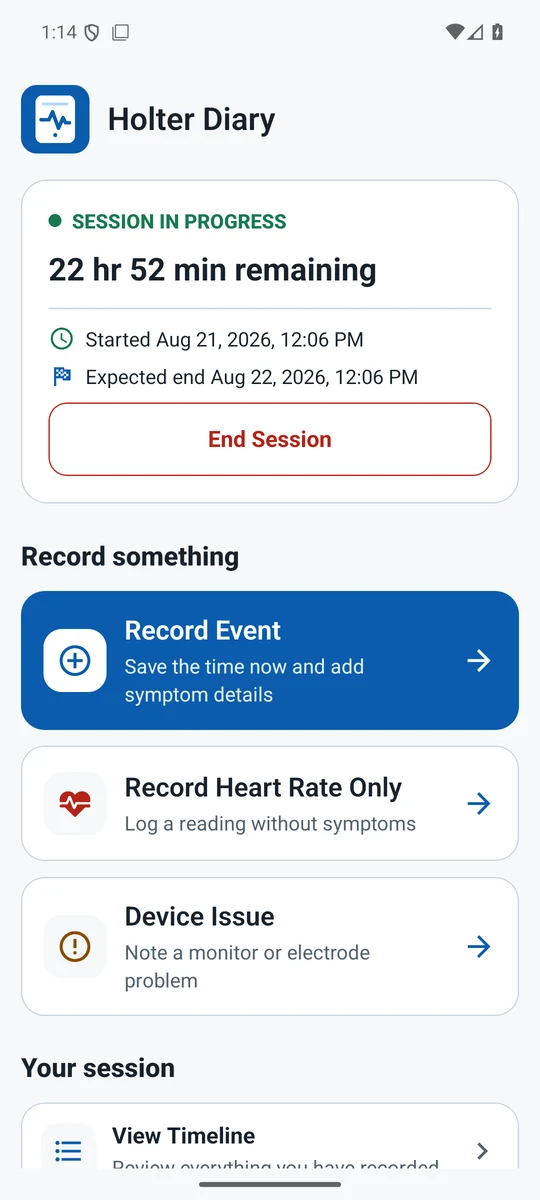
Keep symptoms, manually entered heart-rate readings, activities and device issues in one timeline. After your session, create a PDF report that you choose how to share.
WHO IT’S FOR
For people wearing a Holter monitor and the caregivers helping them keep a diary.
Platforms & availability
Android & iOS · Preparing for release
Mobile builds are being prepared for release. Public app-store downloads are not yet available.
Built around the things you need
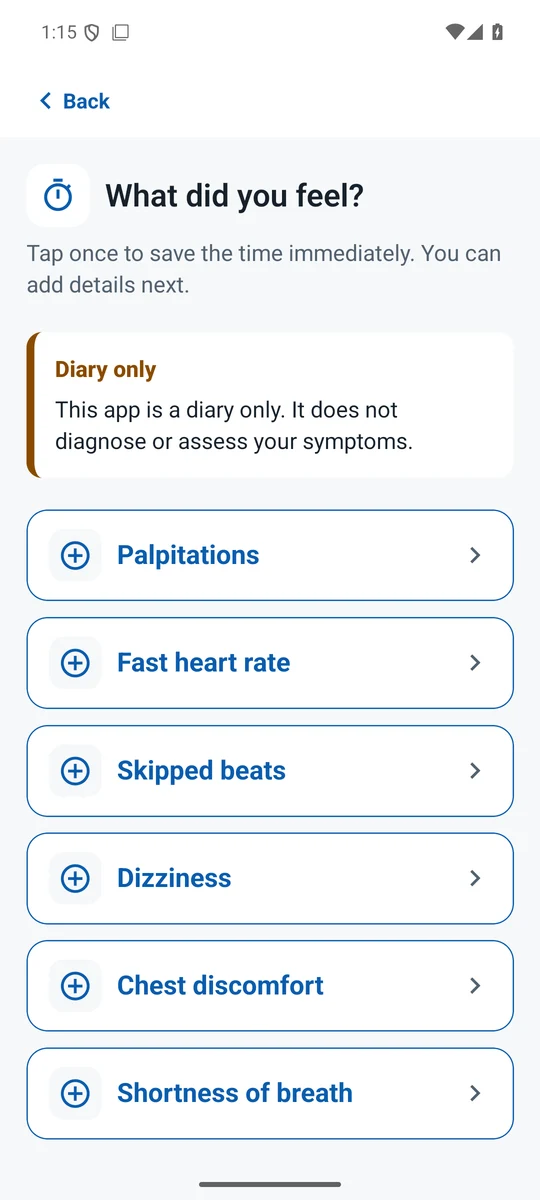
- Record symptoms with a timestamp
- Add activities, triggers and notes
- Log heart-rate readings manually
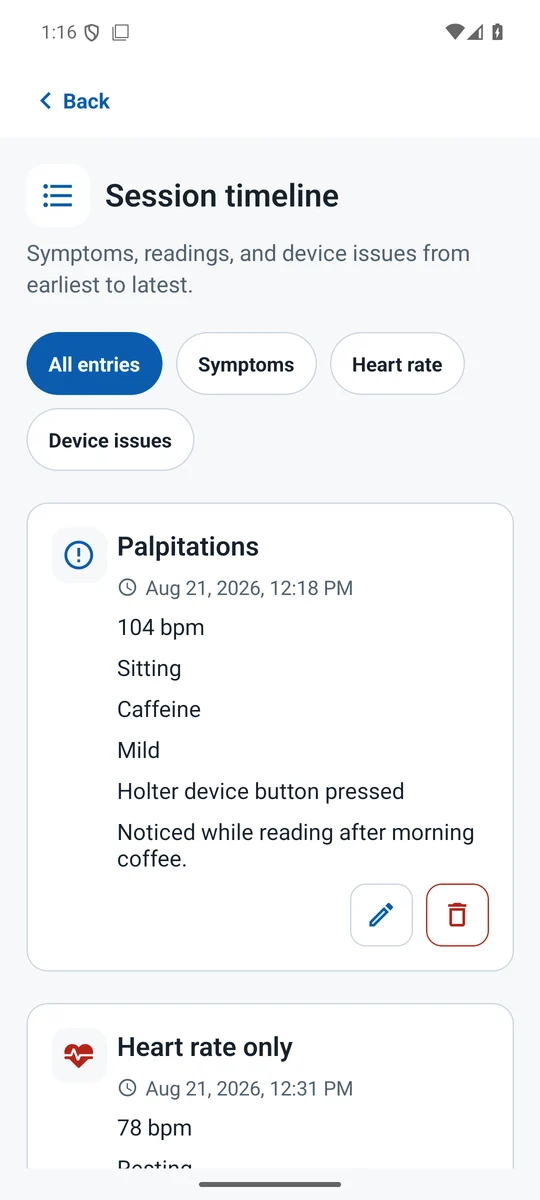
- Keep a chronological session history
- Create and share a PDF report
- Use the diary offline, without an account
From everyday moments to useful next steps
Start a monitoring session, record symptoms as they happen, add context when you have time, and share a reviewed report with your clinic.
See the app
Actual Android app screens · synthetic demonstration data
Holter Diary is a recording tool. It does not connect to a monitor, analyze ECGs, diagnose conditions or provide emergency monitoring. Follow your clinic’s instructions.
A few useful answers
Do I need an account or internet connection?
No. The diary works offline and stores app-managed information on your device. There is no account or cloud sync.
How do I share a report?
End the session, generate its PDF report, then use Share PDF. Review the report and choose the recipient in your device’s share menu. If you change diary entries, regenerate the report before sharing.
Can I correct a diary entry?
Yes. Open the session timeline to edit an entry, including after a session has ended. Regenerate any report affected by the correction.